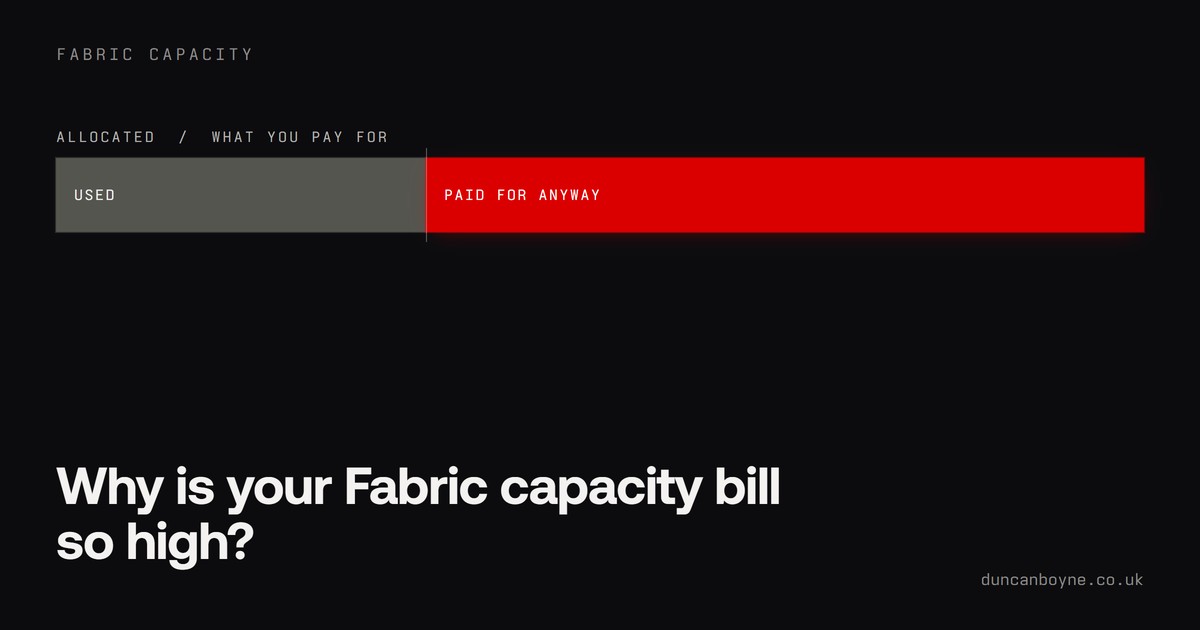
Fabric billing in one sentence: you pay for the compute you allocate, not the compute you use. Most shocking capacity bills trace back to that single fact and nobody having said it out loud at purchase time.
The top post on r/MicrosoftFabric this week was someone watching warehouse queries eat more capacity units than they used to, with no obvious change on their side. The comments are full of people nodding. If your bill has crept up and you cannot say why, you are in large company.
How the billing actually works, in plain English
A Fabric capacity is a bucket of compute, measured in capacity units. Everything you run, refreshes, queries, notebooks, pipelines, warehouse work, spends from the same bucket.
Two things about the bucket surprise people.
First, it is always on. An F64 at 3am on a Sunday costs the same as an F64 at month-end. Unless someone pauses it or scales it down, you are paying for your busiest hour all month.
Second, Fabric smooths the spend. Heavy operations get spread over time, and background work like refreshes is smoothed over 24 hours. Smoothing is why the platform feels forgiving right up until it does not: you can be quietly borrowing against the next day for weeks, and the first symptom is throttling or a recommendation to buy a bigger SKU.
Interactive work (a person clicking a report) and background work (refreshes, scheduled jobs) are also treated differently. When a bill grows without anyone doing anything new, the background column is usually where the story is.
The five usual culprits
I look at other people's capacities fairly often. It is nearly always one of these, in roughly this order.
- Sized for the worst hour, running all month. The capacity was scoped for month-end, then left at that size for the other 29 days.
- Refreshes nobody has questioned since setup. Data that changes once a day, refreshed every 30 minutes, on six datasets, forever. Refresh frequency is the cheapest lever in Fabric and the least touched.
- Warehouse queries doing more work than anyone realises. A view on a view on a view, queried by a report every time someone opens it. This is what the Reddit thread turned out to be circling.
- Dev and test living on the production capacity. Every experiment a data engineer runs comes out of the same bucket the CFO's dashboard depends on.
- One rogue semantic model. A single oversized model or one pathological measure can dominate a capacity on its own. One. I have watched it happen.
Microsoft knows. Look at what they shipped this month
Inside one week in August, Microsoft released capacity overview events (so you can alert and automate on capacity conditions in near real time), published proper guidance on tracing warehouse consumption back to specific workloads, and introduced custom SQL pools to put a ceiling on warehouse compute.
Three cost-control features in a week is a roadmap decision, and roadmap decisions follow complaints. Take the hint and use all three.
The triage I run
Nothing clever here, which is rather the point.
Open the Capacity Metrics app and look at 14 days. Find the top handful of operations by capacity units and name them: which workspace, which item, whose. In most estates, four or five items are most of the bill.
Split interactive from background. If background dominates, audit every refresh schedule against how often the data actually changes. If interactive dominates, go and look at the heaviest report, because it can usually be made dramatically cheaper with modelling fixes.
For warehouse consumption, the new query insights guidance finally makes "which queries cost me money" an answerable question. Answer it.
Then the structural bits: move dev work off production, pause anything pay-as-you-go that sleeps at night, and if one team's experiments keep hurting another team's dashboards, split the capacity. Two small buckets with owners beat one big bucket without one.
The uncomfortable bit
Most expensive capacities are not a Fabric problem. They are a "nobody owns this" problem wearing a Fabric costume. The platform gives you the levers; someone has to be responsible for pulling them, and at a lot of organisations that job was never given to anyone.
If you are still deciding whether Fabric is right for you at all, I wrote about when the move actually makes sense yesterday. And if the bill is already here and already frightening, a health check on the estate is the fixed-price version of everything above.
Or just open the Capacity Metrics app tonight and find your top five operations. That is 80% of it, free.